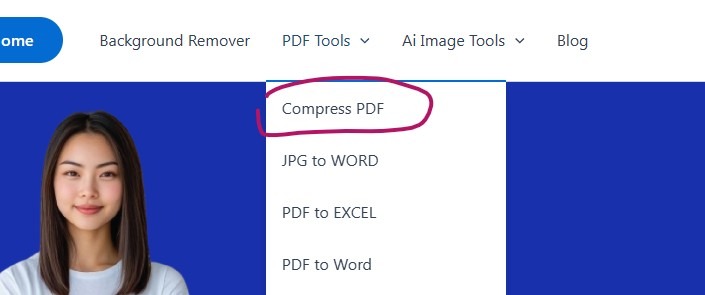
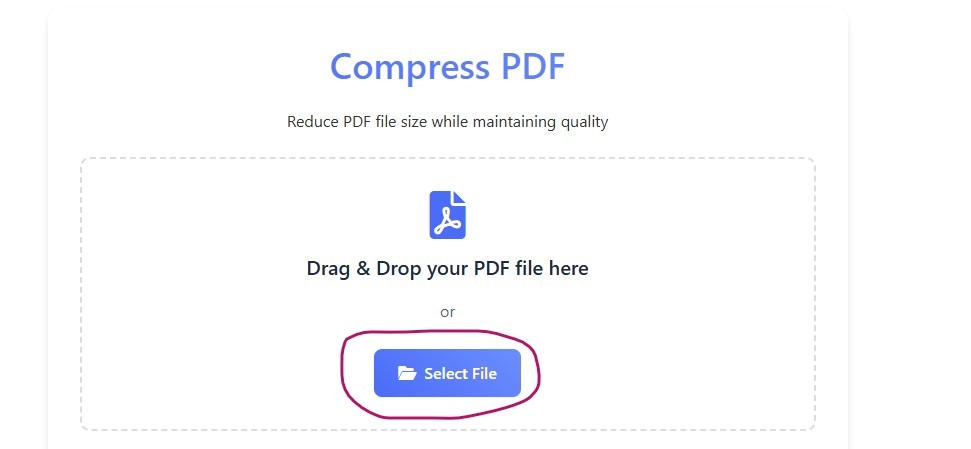
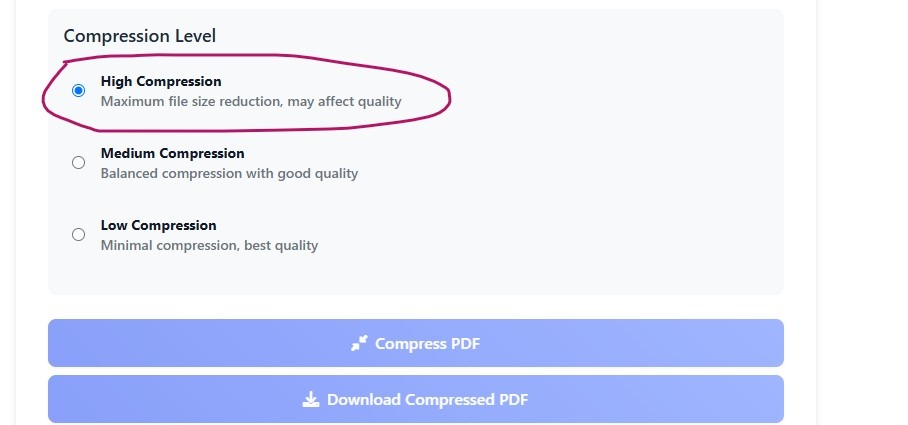
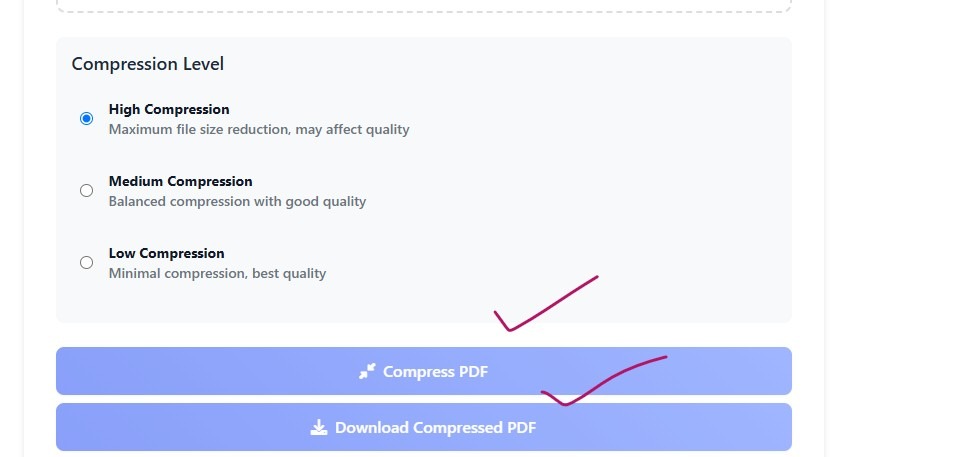
It can be annoying to send huge PDFs via email because large attachments slow down delivery and many inboxes reject files larger than 25MB. Compressing your PDF guarantees that it will arrive in the recipient’s mailbox without any issues, whether you’re sharing reports, resumes, or portfolios. With the use of built-in software, free internet resources, and expert advice on preserving quality, we’ll show you three simple ways to reduce the size of PDFs for email. Let’s get started!