
August 3, 2026 · 7 min read
How to Create a QR Code That Actually Scans (Free, No Expiry)
A practical guide to making QR codes that work in the real world — size, contrast, error correction, static versus dynamic codes, and the print mistakes that break them.
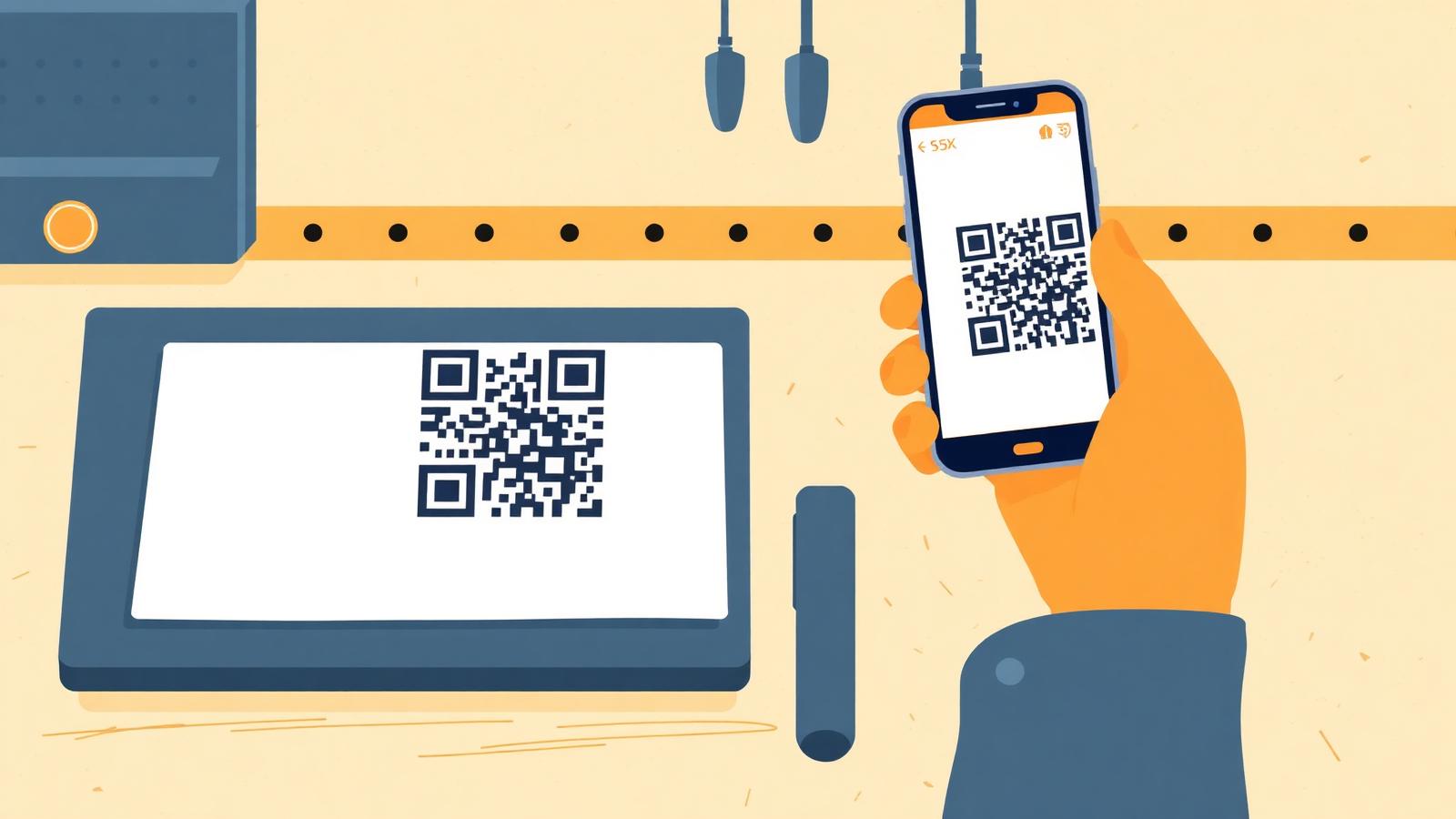
QR codes are easy to generate and easy to get wrong. The failure mode is brutal, too: you only find out that the code on 5,000 printed flyers does not scan after the flyers are printed. This guide covers the decisions that matter before you hit generate.
Static vs dynamic: pick deliberately
Static codes encode the destination directly in the pattern. Nothing is stored anywhere, nothing can expire, and no company can switch off your code or start charging for it. The trade-off: to change the destination you must reprint.
Dynamic codes encode a short redirect URL owned by a service. You can change the destination later and see scan analytics — but the code stops working the day that service disappears or your subscription lapses. Plenty of restaurant menus went dead exactly this way.
For a menu, a business card, a Wi-Fi password or an event ticket, static is almost always the right answer. Generate one with the QR Code Generator — it runs in your browser, so the code is yours and there is nothing to expire.
Keep the payload short
The more characters you encode, the denser the grid gets, and dense grids need bigger printing and better cameras. A 30-character URL produces a comfortably chunky code. A 200-character tracking URL with five UTM parameters produces a fine mesh that struggles at small sizes and in poor light. Strip unnecessary parameters, or use a short landing URL on your own domain.
Size, contrast and quiet zone
- Size. A rough rule: the printed code should be at least one tenth of the scanning distance. Scanned from 30 cm (a flyer in hand) means 3 cm minimum is safe; 2 × 2 cm is the practical floor for anything printed.
- Contrast. Dark modules on a light background, with real contrast. Light-grey-on-white and dark-on-dark both fail. Inverted codes (light on dark) work on some scanners and not others — avoid them.
- Quiet zone. Leave a clear margin of roughly four module widths around the whole code. Text or graphics crowding the edge is one of the most common causes of scan failure.
- Surface. Glossy laminate and curved bottles create glare and distortion. Matte finishes and flat surfaces scan far more reliably.
Error correction, and putting a logo in the middle
QR codes carry redundancy at four levels — roughly 7%, 15%, 25% and 30% of the code can be damaged and still read. Higher correction means a denser grid, so it is a trade, not a free upgrade.
Use level M (15%) for screens and clean print. Step up to Q or H if the code will live outdoors, on packaging that gets scuffed, or if you plan to drop a logo over the centre. A logo should never cover more than about 20% of the area even at level H — and you must test-scan afterwards, from several phones.
QR codes that are not links
A QR code can carry any short text, which makes some very practical non-link uses: Wi-Fi credentials that connect a guest with one scan, a vCard that saves your contact details instantly, an email or SMS draft, a calendar event. The vCard & Wi-Fi QR generator builds those payloads in the correct format, which is fiddly to type by hand.
To check what an existing code contains — including one you did not create — the QR Scanner decodes it from an image so you can read the destination before visiting it. For retail and inventory work, linear barcodes are still the correct format.
Test before you print. Every time.
- Scan the on-screen version with at least two different phones, one iOS and one Android.
- Print a single proof at final size on the actual stock, then scan that.
- Test in the light the code will actually live in — dim restaurant lighting, direct sun on a window sticker.
- Scan from the realistic distance, not with your phone touching the paper.
Four minutes of testing has saved more print runs than any design decision on this list.
Frequently asked questions
- Do free QR codes expire?
- Static QR codes never expire — the destination is encoded in the pattern itself, so there is no service in the middle that can shut down. Only dynamic codes, which route through a provider's redirect, can stop working.
- What size should a printed QR code be?
- At least 2 × 2 cm, and as a rule roughly one tenth of the intended scanning distance. Posters read from three metres away need codes around 30 cm across.
- Can I put my logo in the middle of a QR code?
- Yes, if you generate the code with high error correction and keep the logo under about 20% of the code area. Always test-scan the finished artwork on several phones before printing.
- Are QR code generators safe to use?
- A browser-based generator builds the code on your device, so whatever you encode — a Wi-Fi password, contact details — never reaches a server. Be more careful with services that require an account and route scans through their own domain.