
August 6, 2026 · 9 min read
Passport Size Photo: Complete Guide (2026)
Passport photo sizes for the US, UK, Schengen and Pakistan, plus background and attire rules, the most common rejection reasons, and how to make one free.
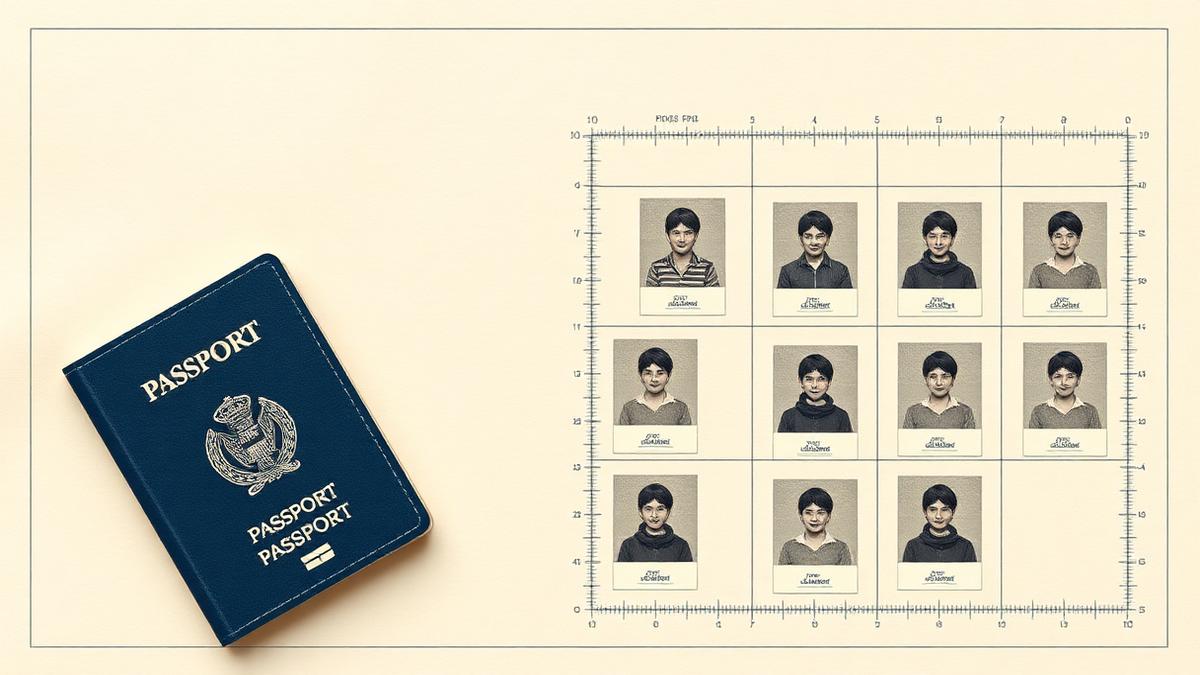
Passport photo rules look fussy until you realise what they are for: the photo has to work for a human at a border desk and for face-matching software. That is why the head size, the background and the expression are all specified so precisely. Get those three right and almost everything else follows. Always confirm the current requirements on the issuing authority's own page before you submit — specifications are updated from time to time.
Sizes country by country
United States
- Print size: 2 × 2 inches (51 × 51 mm), square.
- Head height: 1 to 1⅜ inches (25–35 mm) from the bottom of the chin to the top of the head.
- Eye position: roughly 1⅛ to 1⅜ inches (28–35 mm) from the bottom of the photo.
- Background: plain white or off-white.
- Colour, recency: colour photo taken within the last six months.
United Kingdom
- Print size: 35 × 45 mm (portrait).
- Head height: 29–34 mm from chin to crown.
- Background: plain cream or light grey — not pure white, and no pattern or shadow.
- Digital submissions: the online application accepts a digital photo with its own minimum pixel dimensions and file size, so keep the original camera file rather than a messaging-app copy.
Schengen / EU
- Print size: 35 × 45 mm, the ICAO-aligned standard used across Schengen states.
- Head height: typically 32–36 mm, so the face fills roughly 70–80% of the frame — noticeably tighter than a US photo.
- Background: plain light grey or off-white, evenly lit with no shadow behind the head.
- National variations: individual countries publish their own photo templates; check the consulate you are applying to.
Pakistan (passport and NADRA CNIC)
- Passport: 35 × 45 mm with a plain white background, head centred and fully visible.
- NADRA CNIC / NICOP: commonly 2 × 2 inches (51 × 51 mm) with a plain white background.
- Head covering: religious head coverings are permitted provided the full face from chin to forehead is clearly visible.
Background, attire and expression rules
- Background: plain and light, with no pattern, furniture, doorframe or shadow. Photograph yourself at least half a metre in front of the wall so your own shadow does not fall on it.
- Expression: neutral, mouth closed, both eyes open and looking straight at the camera. No smiling in most jurisdictions.
- Glasses: the US, UK and most Schengen states no longer allow glasses in passport photos. Take them off.
- Head coverings: permitted for religious or medical reasons, provided the face is unobscured from the bottom of the chin to the top of the forehead.
- Clothing: ordinary day clothes, not a uniform. Avoid white or very pale tops, which merge into a light background.
- Lighting: even, front-facing, ideally daylight from a window. No flash directly at the face, no hard side shadow.
- Babies and children: no dummy or toy in frame, eyes open where possible, and no other person's hands visible — lay an infant on a plain white sheet and shoot from directly above.
The most common rejection reasons
- Head too large or too small in the frame. By far the most frequent failure — a photo cropped by eye almost never lands inside the specified head-height band.
- Shadow behind the head or uneven background lighting.
- A smile, or eyes not looking at the lens.
- Glasses, reflections or eyes partially covered by a fringe.
- Low resolution or a compressed messaging-app copy. Send yourself the original file, not a WhatsApp forward.
- A photo that is too old. Most authorities require one taken within the last six months.
- Digital retouching. Removing blemishes, smoothing skin or applying a filter can invalidate the photo for face matching.
Step by step: make a compliant photo for free
The Passport Photo Maker does the crop maths for you and runs entirely in your browser, so a photo of your face is never uploaded anywhere.
- Take the source photo: phone on a stand or held by someone else, at eye level, roughly one metre away, facing a window with a plain light wall behind you. Do not use a selfie held at arm's length — it distorts the face.
- Open the Passport Photo Maker and drop the image in.
- Choose your target: US 2×2, UK/Schengen 35×45 mm, Pakistani passport or NADRA CNIC. The tool applies that country's head-height and crop ratio.
- Align the guides to your chin and the top of your head so the head-height band is respected.
- If your background is not plain enough, run the photo through the Background Remover first and place the cut-out on a plain white or light grey backdrop.
- Export as JPG or PNG. For a digital application, check the required pixel dimensions and file size; for printing, download the print sheet and take it to any photo lab.
If the finished file is larger than an application form allows, Compress Image reduces it to a target size in KB without changing the pixel dimensions — the usual fix for "file too large" upload errors.
Frequently asked questions
- What is the standard passport photo size?
- There is no single global size. The United States uses 2 × 2 inches (51 × 51 mm); the UK, the Schengen states and most ICAO-aligned countries use 35 × 45 mm. Pakistan uses 35 × 45 mm for passports and commonly 2 × 2 inches for NADRA CNIC photos.
- Can I take a passport photo at home with my phone?
- Yes, and most authorities accept it as long as the photo meets the specification. Use a plain light wall, even daylight, a neutral expression, and have someone else hold the phone at eye level about a metre away rather than shooting a selfie.
- Can I smile or wear glasses in a passport photo?
- No on both counts in most countries. A neutral expression with the mouth closed is required, and the US, UK and most Schengen states no longer permit glasses in passport photos.
- Why do passport photos get rejected most often?
- Incorrect head size within the frame is the leading cause, followed by shadows on the background, a non-neutral expression, and low-resolution or heavily compressed image files.
- Is the passport photo maker free?
- Yes. It is free with no account and no watermark, and it runs inside your browser, so your photo is never uploaded to a server.